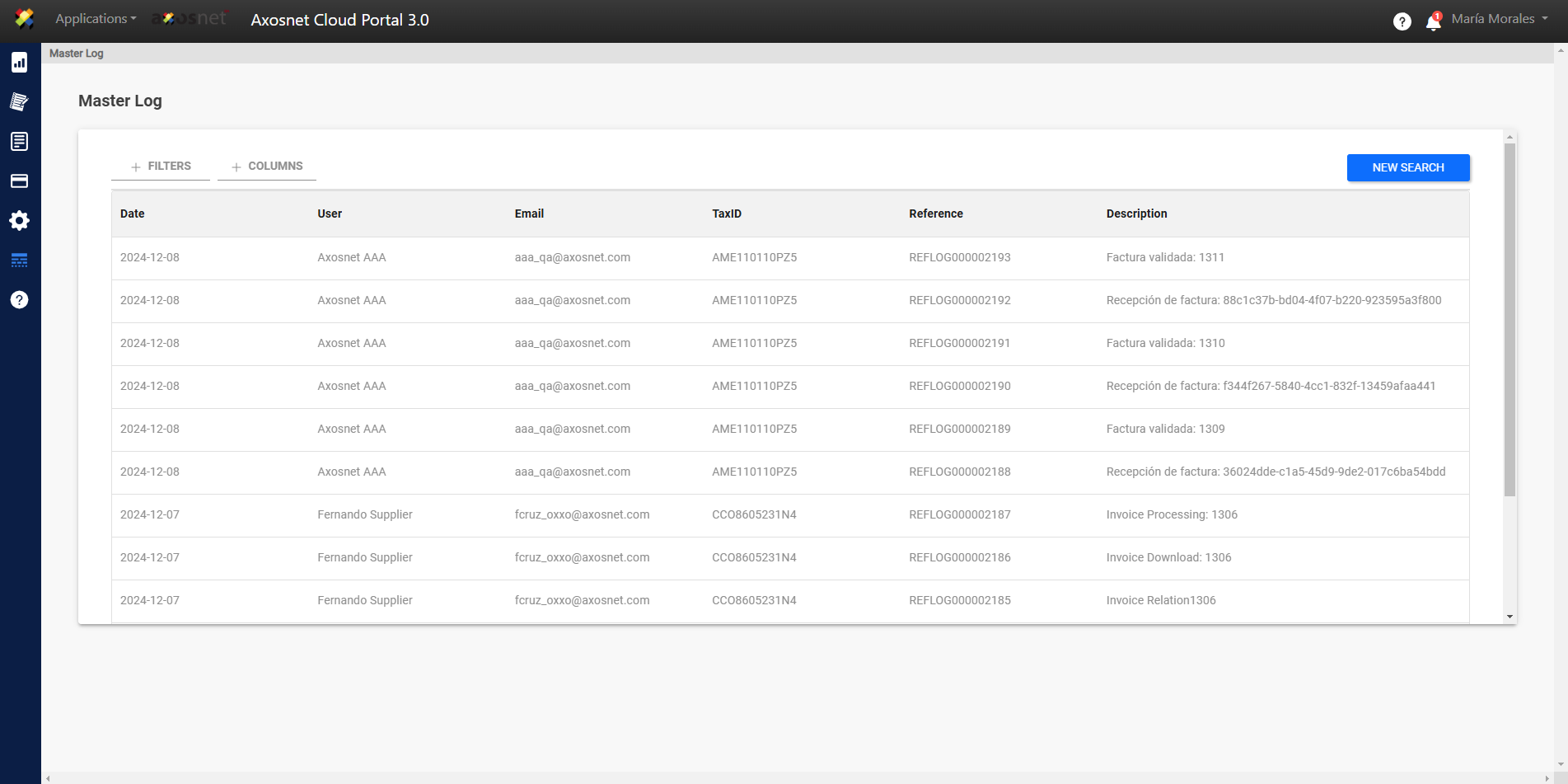
To perform a new information query in the Master Log, follow these steps.
- Click on the “New Search” button after having entered the Information Display in the Master Log.
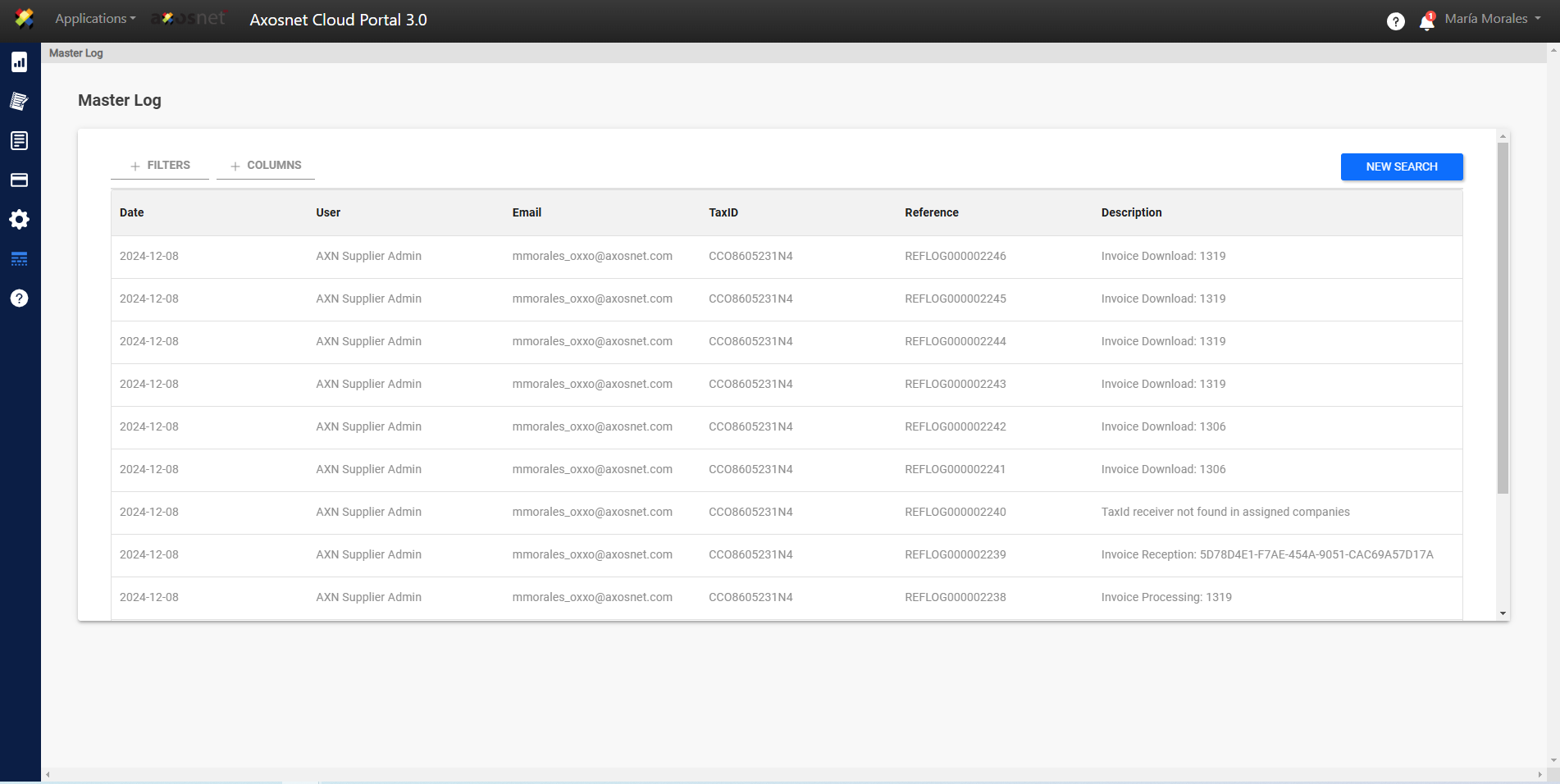
- Indicate the time period to query.
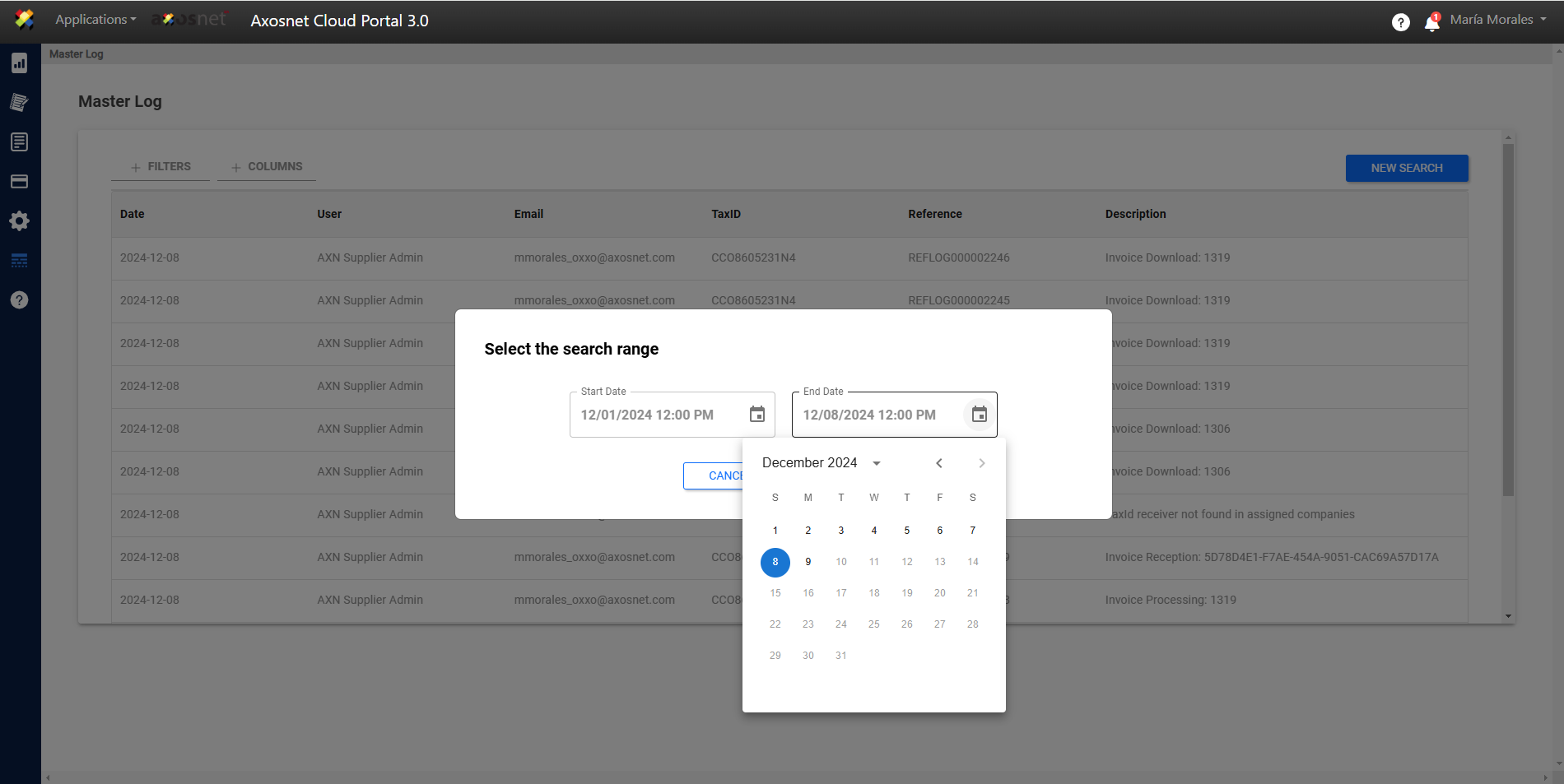
- Click on Accept.
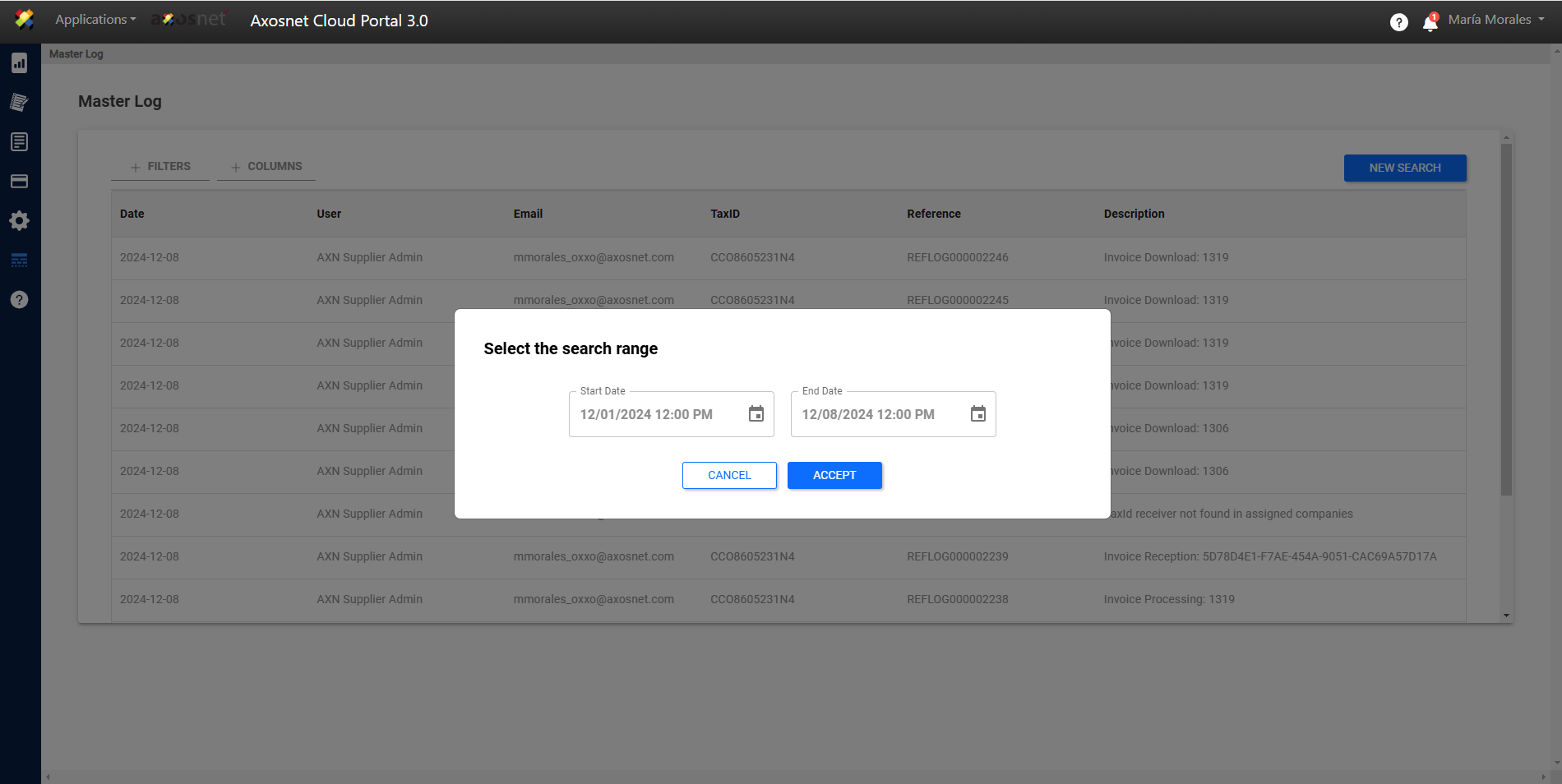
- Information Loading, this loading is done according to the time period indicated in the new query.
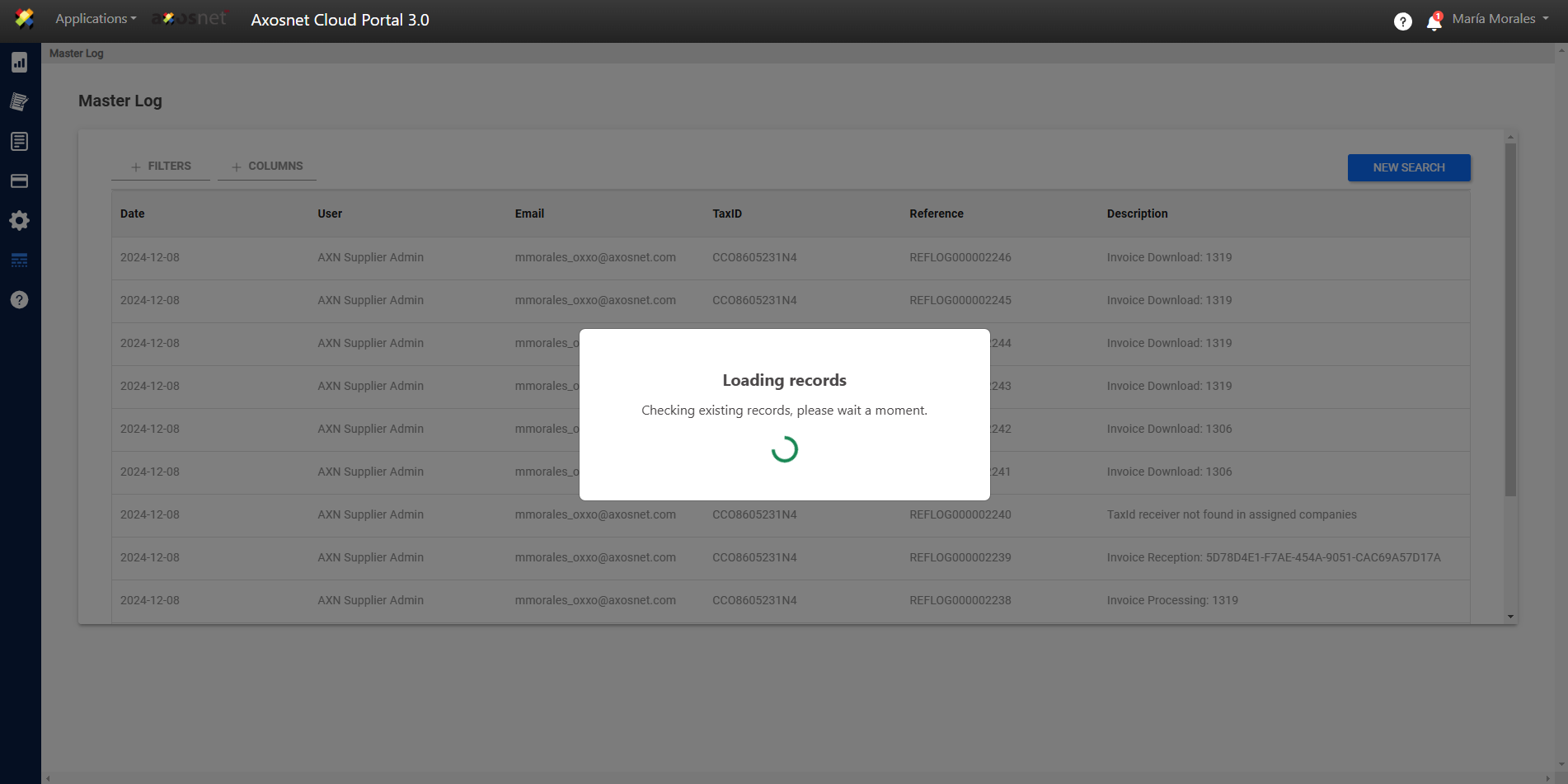
- View the information.